
The hardware that makes a building trackable.
Indoor tracking starts with four Teltonika devices: a tag on the thing, anchors on the walls, and a gateway to carry what they hear. This site goes through them one at a time, then shows how they are laid out on a real floor.
EYE Beacon Mesh · EYE Sensor Mesh · Mesh Anchor · Mesh Gateway Wi-Fi
The four devices.
Teltonika's Wirepas Mesh range.
| Device | Model | Its job |
|---|---|---|
| EYE Beacon Mesh | MTSID1 | The tag that is located. |
| EYE Sensor Mesh | MTSMP1 | A tag that also senses temperature and humidity. |
| Mesh Anchor | — | A fixed point the tags are measured against. |
| Mesh Gateway Wi-Fi | — | Carries the mesh's messages to the platform. |
Why this hardware.
No cabling to the anchors
Anchors are battery-powered and talk to each other, so they are mounted, not wired.
One gateway to connect
The mesh needs a single link to the outside world: a gateway on the site's Wi-Fi.
Room to grow
More floor means more anchors, added to the mesh that is already running.
The software
Hardware is half of it.
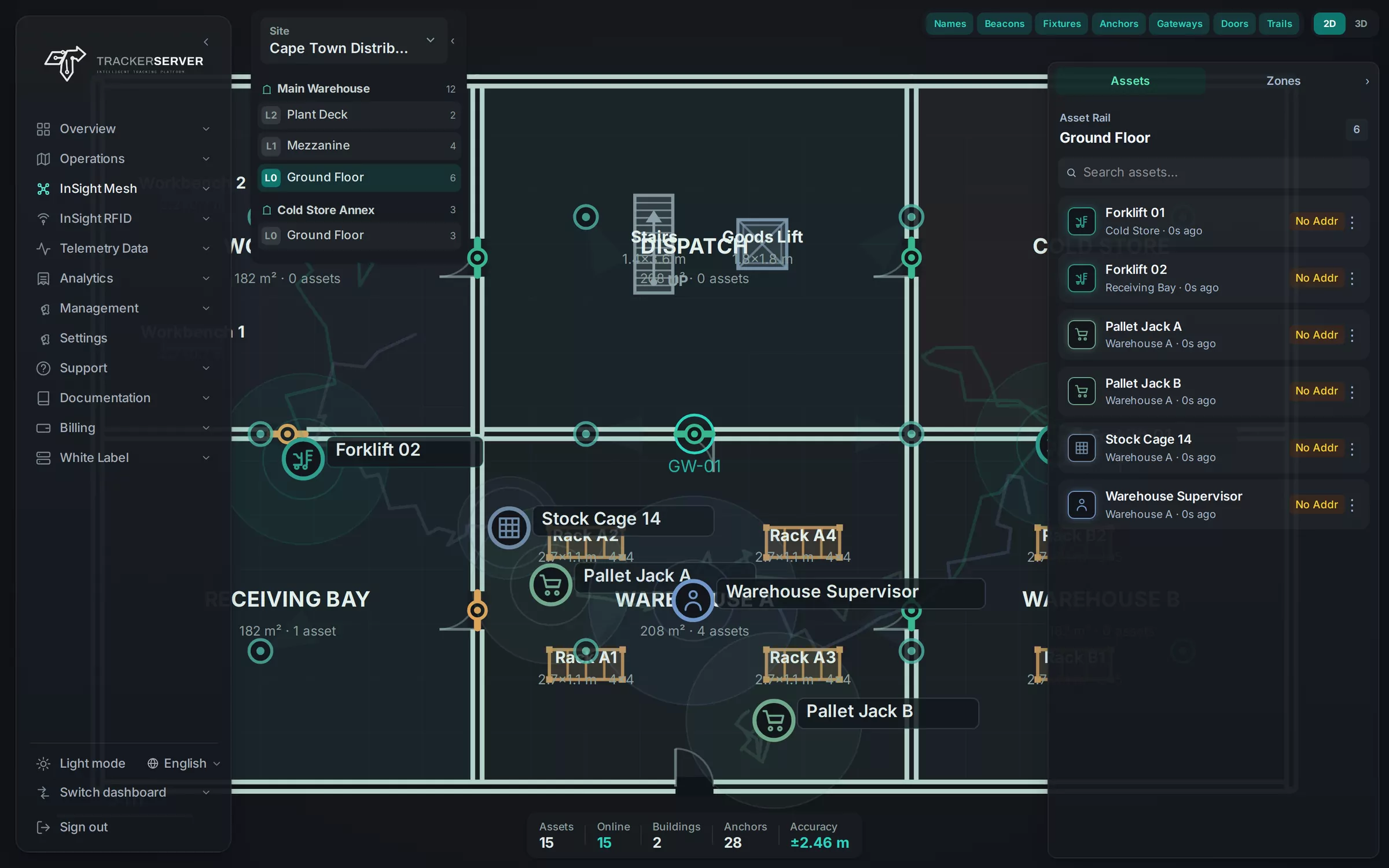
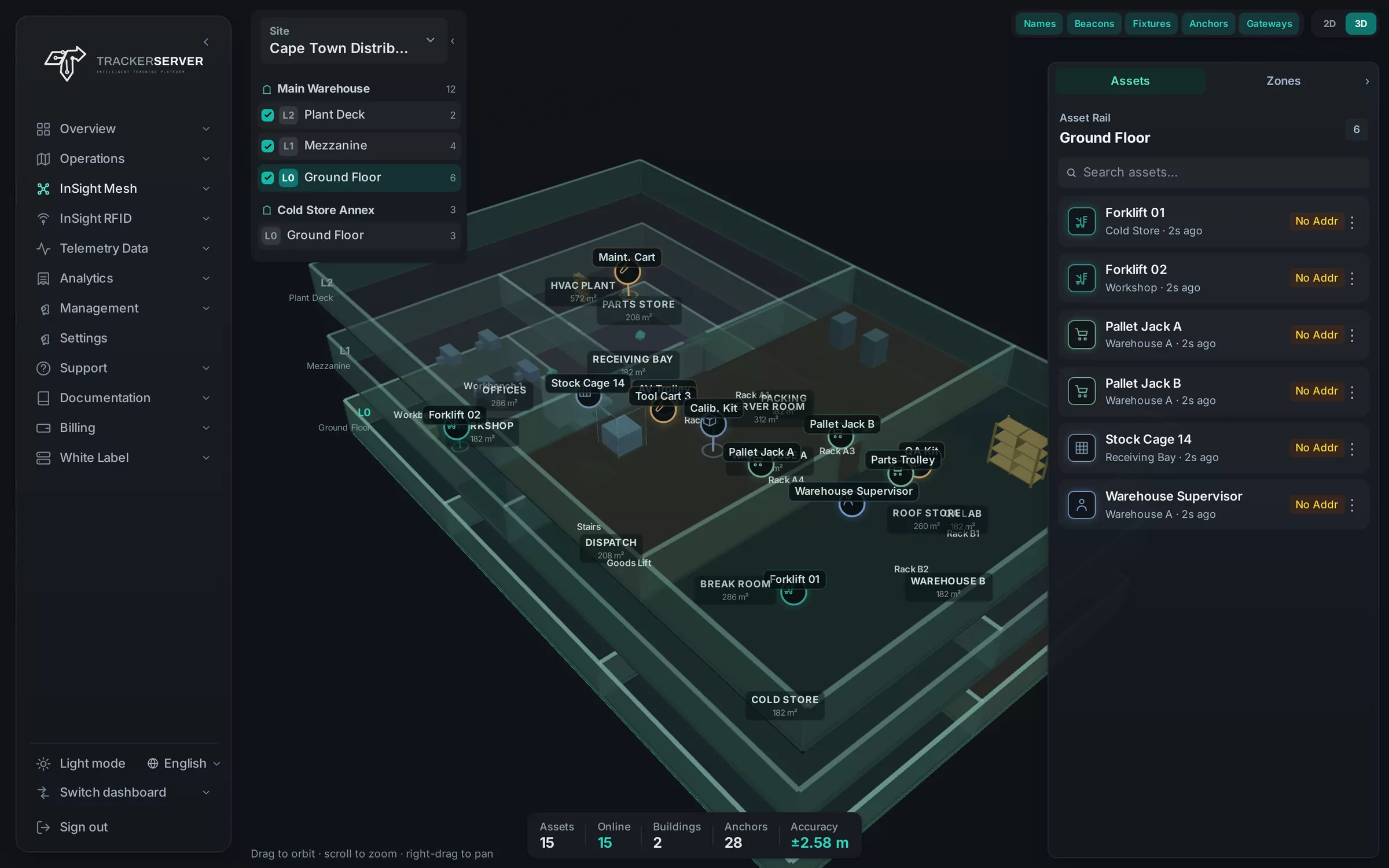
On their own the devices produce radio readings. InSight Mesh, the indoor module of the Trackerserver platform, turns those readings into a named item on a floor plan, a history to replay and an alert on a phone.
Trackerserver is the only white-label tracking platform offering Wirepas Mesh.
Available on enquiry.
The hardware is supplied for a site, not from a shelf: how many anchors a floor needs depends on the floor. Tell us about yours and we will tell you what it takes.
- Tags for what you track
- Anchors worked out from the plan
- A gateway for the site
- The platform to run it on
Device by device
Enquire about mesh hardware for a first site.
Send us the floor plans, or the size of each floor and what stands on it. We reply with the tags, anchors and gateway it takes, and the platform they report to.